What are Triage Team metrics? Finding the right Triage Team metrics can be daunting, especially when you're busy working on your day-to-day tasks. This is why we've curated a list of examples for your inspiration.
Copy these examples into your preferred tool, or adopt Tability to ensure you remain accountable.
Find Triage Team metrics with AI While we have some examples available, it's likely that you'll have specific scenarios that aren't covered here. You can use our free AI metrics generator below to generate your own strategies.
Examples of Triage Team metrics and KPIs 1. Average Triage Time The average time taken to assess and assign issues to a technician
What good looks like for this metric: 2 hours
Ideas to improve this metric Implement automated ticketing system Train staff on swift issue identification Set clear prioritisation guidelines Regularly review triage processes Maintain an up-to-date technician skillset directory 2. Percentage of Issues Triaged Within 2 Hours The proportion of issues that are assessed and routed within the two-hour goal
What good looks like for this metric: 90%
Ideas to improve this metric Utilise time-tracking software Analyse bottlenecks in the triaging process Provide incentives for fast triaging Allocate sufficient resources during peak times Conduct regular training sessions 3. First Contact Resolution Rate The percentage of issues resolved without the need for additional follow-up
What good looks like for this metric: 75%
Ideas to improve this metric Expand technician training programmes Increase accessibility of status updates Improve communication between teams Ensure access to comprehensive knowledge base Implement real-time support tools 4. Customer Satisfaction Score The average satisfaction score given by customers regarding the triage process
What good looks like for this metric: 4 out of 5
Ideas to improve this metric Gather regular feedback from customers Reduce hold and transfer times Provide clear status updates Streamline communication channels Customise support to match customer needs 5. Backlog of Untriaged Issues The number of issues that remain unresolved or unassigned past the two-hour window
What good looks like for this metric: 5 or fewer issues
Ideas to improve this metric Regular audits of untriaged issues Enhance staffing levels during peak times Integrate advanced triage software Develop a quick response task force Set up alerts for untriaged issues
← →
1. Time to Triage The average time taken to assess and categorize a security alert once it is received.
What good looks like for this metric: 1-2 hours
Ideas to improve this metric Automate initial alert categorization Train staff on efficient triage process Implement clear triage protocols Regularly review triage processes Utilize prioritization tools 2. False Positive Rate The percentage of security alerts that were incorrectly flagged as threats.
What good looks like for this metric: Under 10%
Ideas to improve this metric Refine detection rules and algorithms Regularly update threat intelligence Enhance user training on alert interpretation Increase context provided with alerts Engage in regular false positive audits 3. Alert Volume by Severity The number of security alerts received categorized by severity level (informational, low, medium, high).
What good looks like for this metric: Varies by organization size
Ideas to improve this metric Optimise threat detection thresholds Enhance network traffic analysis Implement targeted monitoring Use data aggregation tools Evaluate alert relevance regularly 4. Incident Resolution Time The time taken from triaging an alert to resolving the underlying security threat.
What good looks like for this metric: 4-8 hours
Ideas to improve this metric Set clear response protocols Utilize automated resolution tools Conduct regular training sessions Ensure scalable resources Engage in post-incident analyses 5. Alert Re-assignment Rate The percentage of alerts that must be reassigned due to incorrect initial triage.
What good looks like for this metric: Under 5%
Ideas to improve this metric Provide comprehensive training for triagers Establish clear escalation pathways Use specialised triage teams Regularly assess alert primacy guidelines Conduct bi-annual skill assessments
← →
Tracking your Triage Team metrics Having a plan is one thing, sticking to it is another.
Setting good strategies is only the first challenge. The hard part is to avoid distractions and make sure that you commit to the plan. A simple weekly ritual will greatly increase the chances of success.
A tool like Tability can also help you by combining AI and goal-setting to keep you on track.
More metrics recently published We have more examples to help you below.
Planning resources OKRs are a great way to translate strategies into measurable goals. Here are a list of resources to help you adopt the OKR framework:
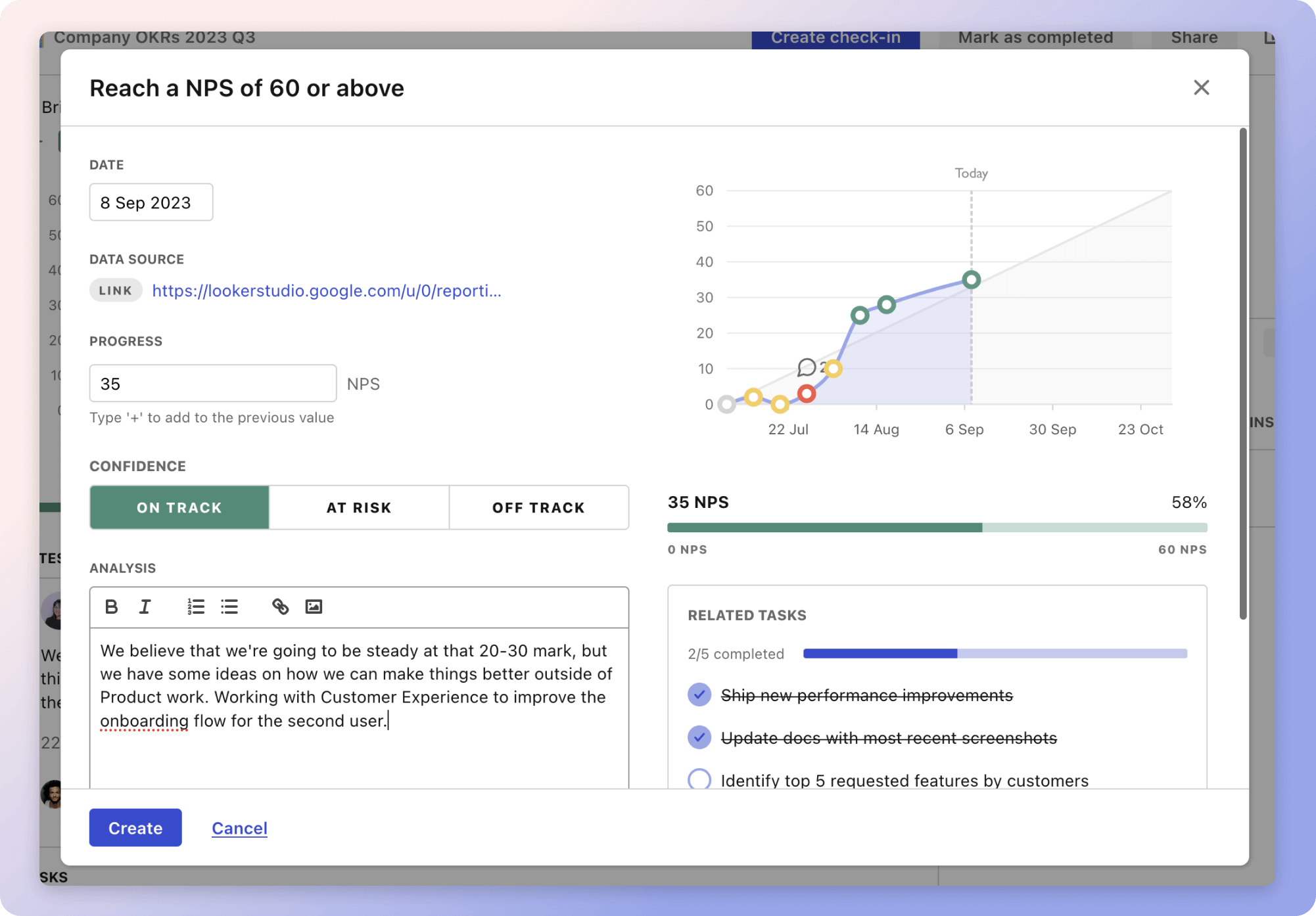 Tability's check-ins will save you hours and increase transparency
 The best metrics for Increase Calls Through Google My Business