Get Tability: OKRs that don't suck | Learn more →

2 examples of User Experience Manager metrics and KPIs

What are User Experience Manager metrics?

Identifying the optimal User Experience Manager metrics can be challenging, especially when everyday tasks consume your time. To help you, we've assembled a list of examples to ignite your creativity.

Copy these examples into your preferred app, or you can also use Tability to keep yourself accountable.

Find User Experience Manager metrics with AI

While we have some examples available, it's likely that you'll have specific scenarios that aren't covered here. You can use our free AI metrics generator below to generate your own strategies.

Examples of User Experience Manager metrics and KPIs

Metrics for User Satisfaction Improvement

  • 1. Customer Satisfaction Score (CSAT)

    Measures customer happiness with a product or service, usually on a scale of 1-5.

    What good looks like for this metric: 80-85%

    Ideas to improve this metric
    • Gather customer feedback regularly
    • Address complaints promptly
    • Enhance product features based on user feedback
    • Train customer support staff adequately
    • Implement a loyalty program
  • 2. Net Promoter Score (NPS)

    Assesses customer loyalty by asking them to rate the likelihood of recommending the product to others on a scale of 0-10.

    What good looks like for this metric: 30-50

    Ideas to improve this metric
    • Cultivate strong customer relationships
    • Resolve issues swiftly and efficiently
    • Encourage customers to share testimonials
    • Offer incentives for referrals
    • Improve the overall customer experience
  • 3. Customer Effort Score (CES)

    Evaluates the ease of service usage by asking customers to rate their effort level in completing a task.

    What good looks like for this metric: 5 or lower

    Ideas to improve this metric
    • Simplify processes
    • Improve website usability
    • Enhance user interface design
    • Provide clear instructions and guidance
    • Reduce waiting times in service
  • 4. Churn Rate

    Indicates the percentage of customers who stop using a product or service within a particular time frame.

    What good looks like for this metric: 5-7%

    Ideas to improve this metric
    • Identify reasons causing customer churn
    • Enhance customer retention strategies
    • Offer personalised experiences
    • Develop an attentive onboarding process
    • Continuously engage with customers
  • 5. Customer Lifetime Value (CLV)

    A prediction of the net profit attributed to the entire future relationship with a customer.

    What good looks like for this metric: 3 times the acquisition cost

    Ideas to improve this metric
    • Increase customer satisfaction initiatives
    • Track customer purchasing patterns
    • Improve customer segmentation
    • Enhance cross-selling initiatives
    • Increase quality of customer support

Metrics for Increasing adoption growth

  • 1. Active User Growth Rate

    Measures the percentage increase in active users over a specific period. Calculated by (New Active Users - Previous Active Users) / Previous Active Users * 100

    What good looks like for this metric: 15-25% monthly growth

    Ideas to improve this metric
    • Offer incentives for referrals
    • Enhance user onboarding experience
    • Regularly update features based on feedback
    • Engage users through targeted communications
    • Improve user education and support
  • 2. Retention Rate

    Tracks the percentage of users who continue to use the platform over time. Calculated by (Number of Retained Users / Total Active Users) * 100

    What good looks like for this metric: 70-90% monthly retention

    Ideas to improve this metric
    • Personalise user experiences
    • Implement loyalty programs
    • Regularly collect and act on feedback
    • Offer continuous updates and improvements
    • Resolve user issues promptly
  • 3. Churn Rate

    Represents the percentage of users who discontinue use in a specific timeframe. Calculated by (Number of Churned Users / Total Users at Start) * 100

    What good looks like for this metric: Below 5% monthly churn

    Ideas to improve this metric
    • Identify and address user pain points
    • Implement a win-back strategy
    • Ensure consistent value delivery
    • Maintain proactive customer support
    • Use exit surveys to gain insights
  • 4. Average User Session Duration

    Indicates how much time users spend during a session using the platform

    What good looks like for this metric: 5-10 minutes per session

    Ideas to improve this metric
    • Design engaging and valuable content
    • Implement user engagement features
    • Ensure smooth user interface and experience
    • Personalise content and recommendations
    • Streamline navigation and access
  • 5. Adoption Rate

    Measures how quickly new users adopt the platform. Calculated by (New Users / Total Potential Users) * 100

    What good looks like for this metric: 10-20% quarterly increase
    Ideas to improve this metric
    • Conduct promotional campaigns
    • Optimise the marketing funnel
    • Utilise influencer marketing
    • Enhance brand awareness
    • Leverage partnerships and collaborations

Tracking your User Experience Manager metrics

Having a plan is one thing, sticking to it is another.

Having a good strategy is only half the effort. You'll increase significantly your chances of success if you commit to a weekly check-in process.

A tool like Tability can also help you by combining AI and goal-setting to keep you on track.

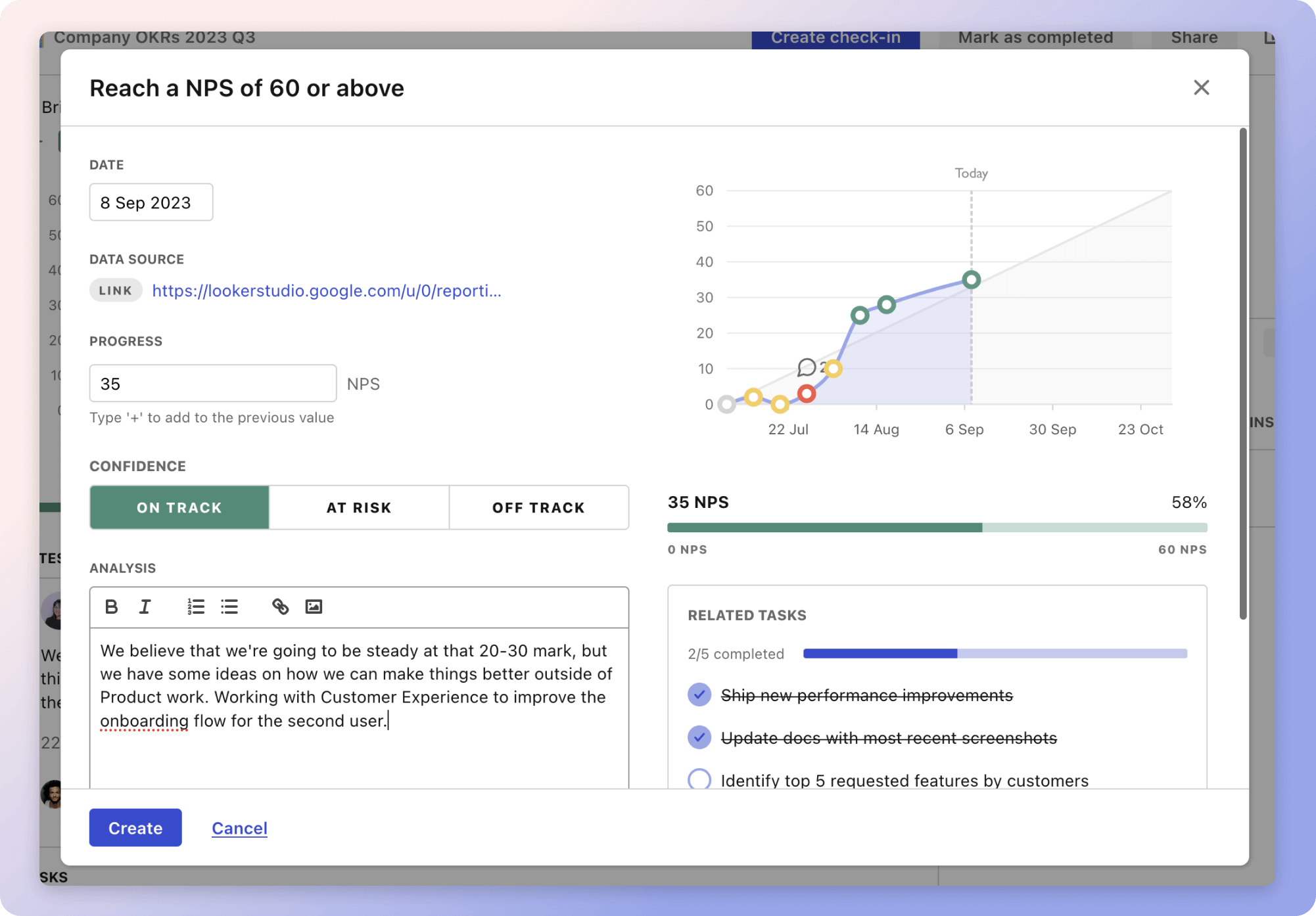
Tability Insights DashboardTability's check-ins will save you hours and increase transparency

More metrics recently published

We have more examples to help you below.

Planning resources

OKRs are a great way to translate strategies into measurable goals. Here are a list of resources to help you adopt the OKR framework:

Table of contents