What are Data Availability metrics? Identifying the optimal Data Availability metrics can be challenging, especially when everyday tasks consume your time. To help you, we've assembled a list of examples to ignite your creativity.
Copy these examples into your preferred app, or you can also use Tability to keep yourself accountable.
Find Data Availability metrics with AI While we have some examples available, it's likely that you'll have specific scenarios that aren't covered here. You can use our free AI metrics generator below to generate your own strategies.
Examples of Data Availability metrics and KPIs 1. Job Success Rate Percentage of SQL Server jobs that complete successfully without errors during the specified window
What good looks like for this metric: Typically above 95%
Ideas to improve this metric Optimise SQL queries to reduce execution time Implement real-time monitoring and alerting Increase server capacity during the job window Regularly maintain and update indexes Perform routine job error analysis and debugging 2. Average Job Duration Average time taken by SQL jobs to complete within the window
What good looks like for this metric: Should align with historical average time
Ideas to improve this metric Refactor and optimise slow-performing queries Avoid unnecessary data processing Use SQL Server execution plans for analysis Schedule jobs in sequence to avoid performance bottlenecks Utilise parallel processing when possible 3. Data Availability Percentage of time that data is available and ready for use by end-users after job completion
What good looks like for this metric: Typically above 99%
Ideas to improve this metric Set up redundancy for critical tables Automate data validation checks post-job completion Implement failover strategies Ensure network reliability and minimise downtime Regularly back up and securely store data 4. Error Frequency Count of errors encountered during SQL job processing
What good looks like for this metric: Typically less than 5 errors per month
Ideas to improve this metric Conduct thorough testing before deployment Use transaction logs to identify error sources Ensure up-to-date error handling mechanisms Regularly review job logs for anomalies Provide regular training for administrators 5. Resource Utilisation Percentage of server resources used during job processing
What good looks like for this metric: Should not consistently exceed 70%
Ideas to improve this metric Balance load across multiple servers Monitor and adjust resource allocation Upgrade hardware capacity if needed Eliminate unused processes during job execution Use performance counters to track and adjust load
← →
1. Time to Detect Issues The duration it takes to identify technical issues from the moment they arise
What good looks like for this metric: Less than 1 minute
Ideas to improve this metric Implement real-time monitoring tools Set up automated alerts Regularly update system documentation Conduct routine system audits Train staff on quick issue identification 2. System Availability Coverage The extent to which systems are monitored for availability and functionality
What good looks like for this metric: Coverage for all critical systems
Ideas to improve this metric Expand monitoring tools to cover more systems Integrate with third-party monitoring solutions Define critical systems and prioritise them Ensure redundancy for critical systems Regularly review and update system coverage 3. Data Refresh Rate The frequency at which system data is updated to reflect the latest information
What good looks like for this metric: Refresh every 10 seconds or less
Ideas to improve this metric Optimise data processing algorithms Utilise caching strategies effectively Upgrade hardware for better performance Ensure efficient data querying Regularly test data refresh processes 4. Incident Resolution Time The time taken to resolve issues once they are detected
What good looks like for this metric: Within 1 hour
Ideas to improve this metric Streamline incident response processes Improve inter-department communication Conduct regular incident response training Have a clear escalation path Invest in advanced diagnostic tools 5. User Satisfaction Score A feedback metric showing user satisfaction with system performance and uptime
What good looks like for this metric: Above 85%
Ideas to improve this metric Conduct regular user feedback surveys Improve user interface and experience Regularly update users on system status Address user complaints swiftly Provide clear user support channels
← →
Tracking your Data Availability metrics Having a plan is one thing, sticking to it is another.
Setting good strategies is only the first challenge. The hard part is to avoid distractions and make sure that you commit to the plan. A simple weekly ritual will greatly increase the chances of success.
A tool like Tability can also help you by combining AI and goal-setting to keep you on track.
More metrics recently published We have more examples to help you below.
Planning resources OKRs are a great way to translate strategies into measurable goals. Here are a list of resources to help you adopt the OKR framework:
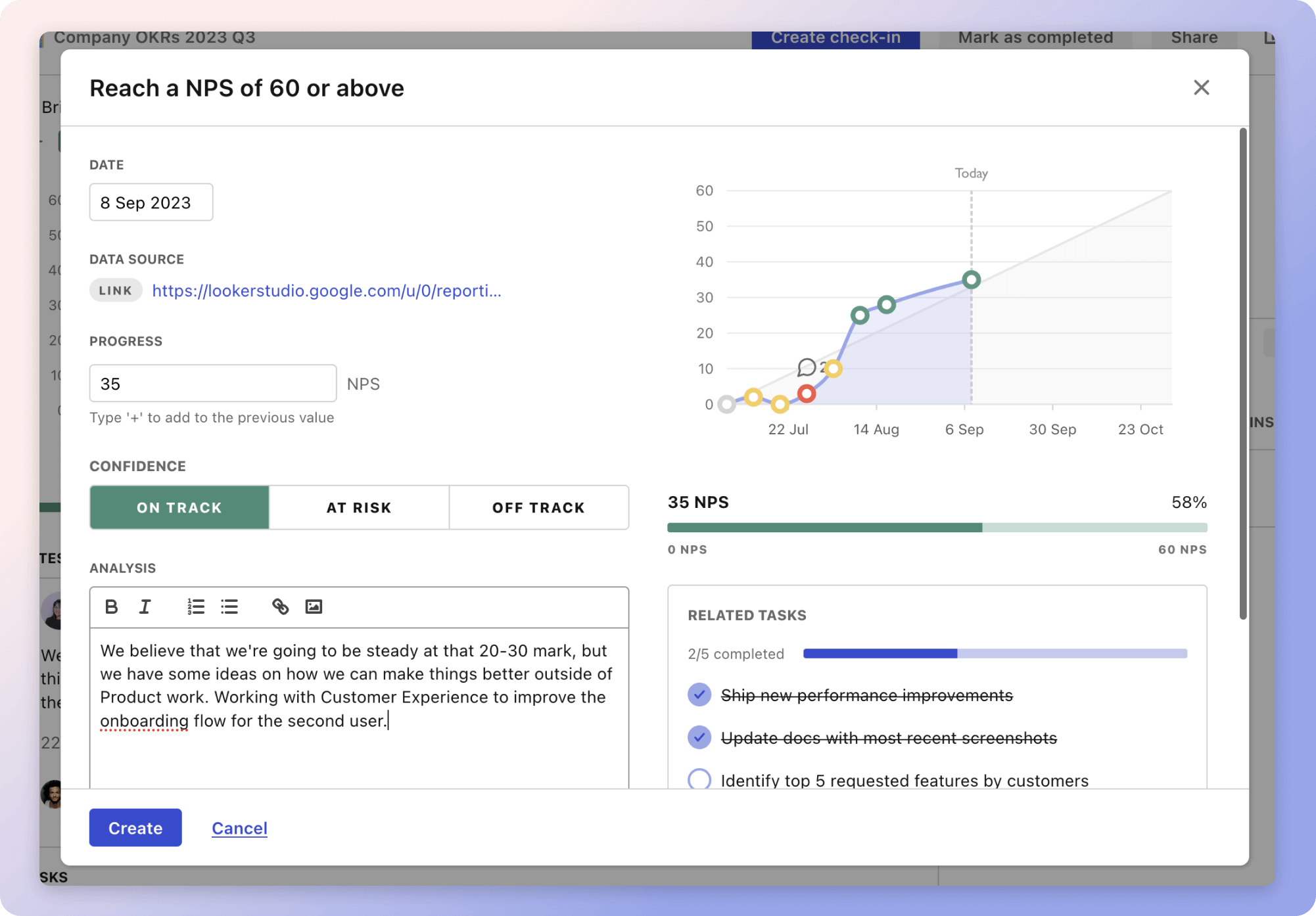 Tability's check-ins will save you hours and increase transparency
 The best metrics for Increase Calls Through Google My Business