OKR template to implement an automatic trading robot for Meta Trader 5 on RCG Market
Your OKR template
The second objective is about researching and documenting the trading robot's crucial features. The implementation team must identify the key features of automated trading robots and document their findings to an 80% completion standard. Once this is done, the team will conclude and finalize the document.
The third objective focuses on the robots' development, which should be 90% error-free on the Meta Trader 5 platform. This objective's execution will ensure that the robot operates efficiently and error-free. The team will also carry out tests on the robot to identify and fix any coding errors during the initial design stage.
The OKR aims to ensure a smooth and efficient program for the automated trading robot, with a focus on extensive testing, documenting relevant features and error-free development on the Meta Trader 5 platform.
 ObjectiveImplement an automatic trading robot for Meta Trader 5 on RCG Market
 KRExecute an operational test on RCG markets and attain 95% efficiency
 Develop an efficient testing plan
- Review current operational procedures for RCG markets
- Execute the plan and analyze test results
- KRResearch and document relevant automatic trading robot features, by the 80% complete
- Document findings in a structured format
- Identify key features of automatic trading robots
- Review and finalize documentation to 80% complete
- KRAchieve initial robot development for Meta Trader 5 platform, 90% error-free
- Ensure 90% error-free robot functionality
- Test robot for coding errors and eliminate them
- Design initial robot structure for Meta Trader 5 platform
How to edit and track OKRs with Tability
You'll probably want to edit the examples in this post, and Tability is the perfect tool for it.
Tability is an AI-powered platform that helps teams set better goals, monitor execution, and get help to achieve their objectives faster.
With Tability you can:
- Use AI to draft a complete set of OKRs in seconds
- Connect your OKRs and team goals to your project
- Automate reporting with integrations and built-in dashboard
Instead of having to copy the content of the OKR examples in a doc or spreadsheet, you can use Tability’s magic importer to start using any of the examples in this page.
The import process can be done in seconds, allowing you to edit OKRs directly in a platform that knows how to manage and track goals.
Step 1. Sign up for a free Tability account
Go tohttps://tability.app/signup and create your account (it's free!)
Step 2. Create a plan
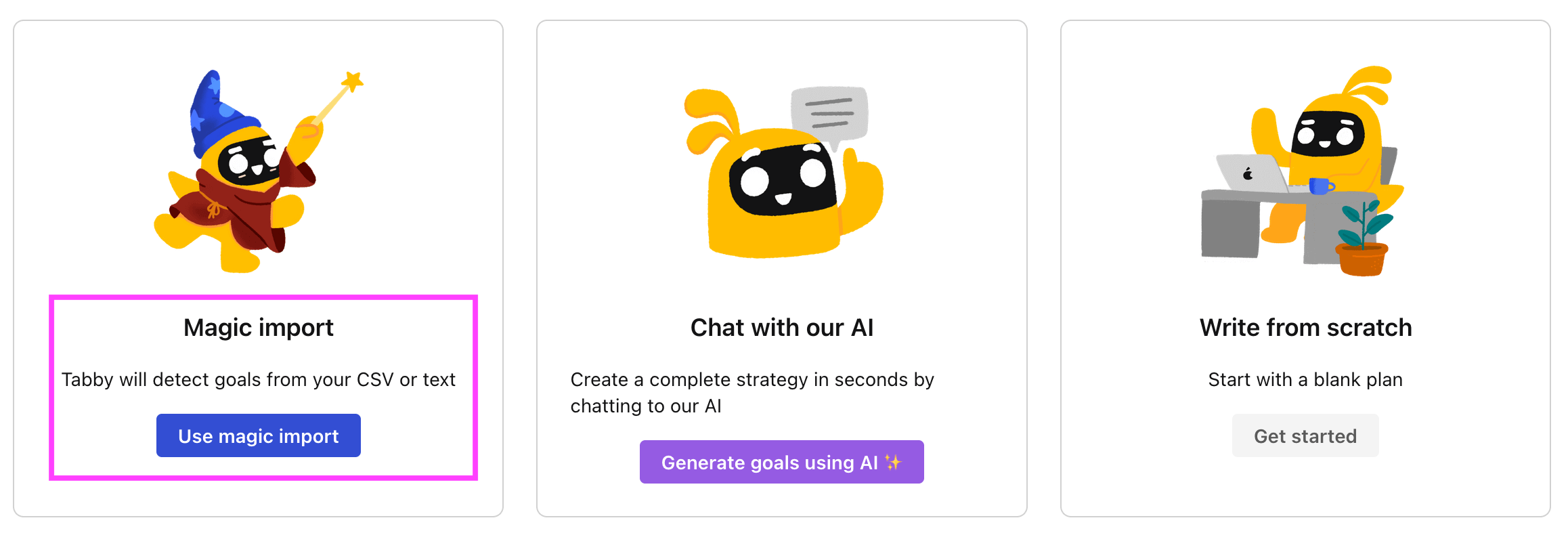
Follow the steps after your onboarding to create your first plan, you should get to a page that looks like the picture below.
Step 3. Use the magic importer
Click on Use magic import to open up the Magic Import modal.
Now, go back to the OKR examples, and click on Copy on the example that you’d like to use.

Paste the content in the text import section. Don’t worry about the formatting, Tability’s AI will be able to parse it!
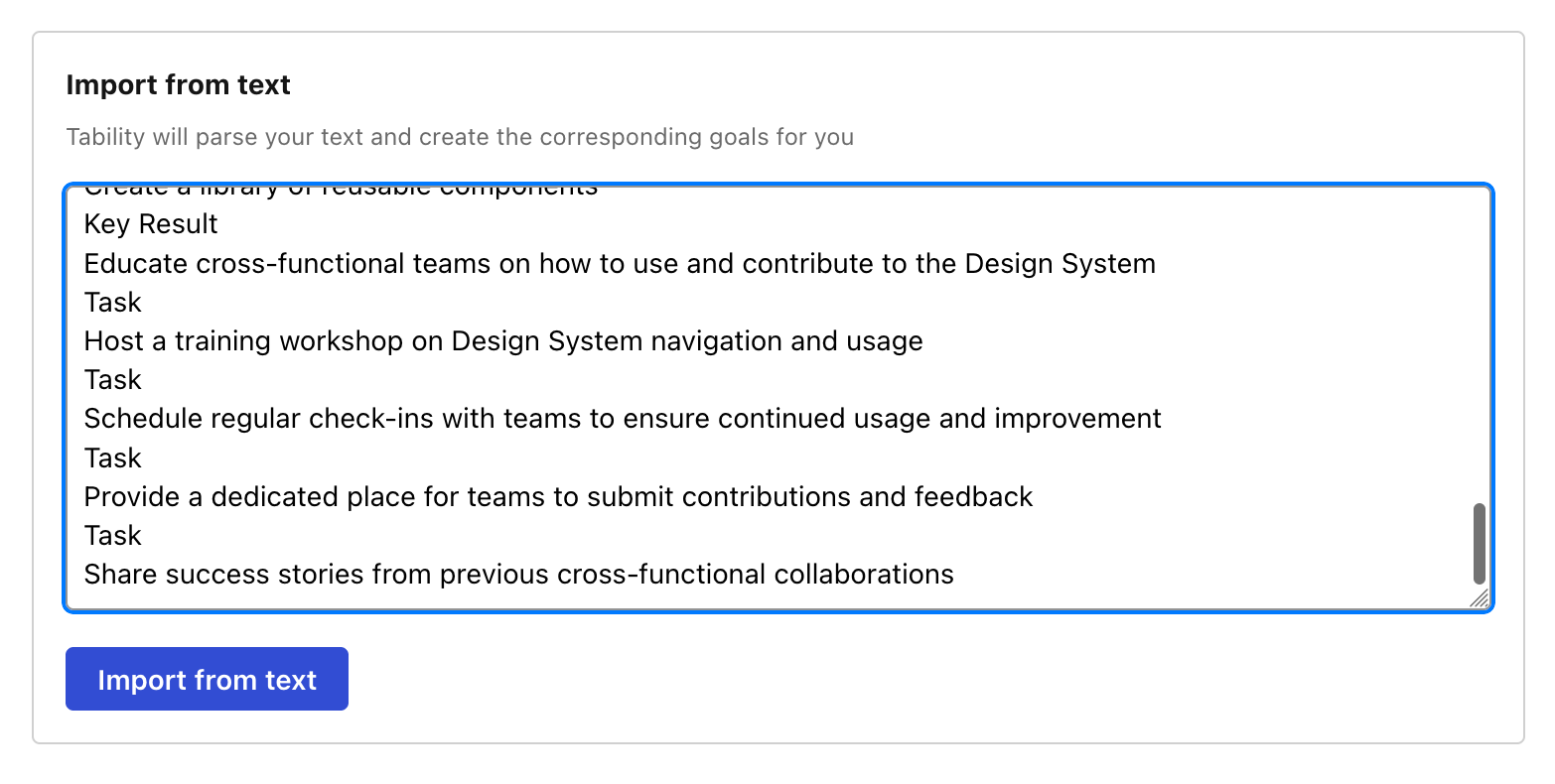
Now, just click on Import from text and let the magic happen.
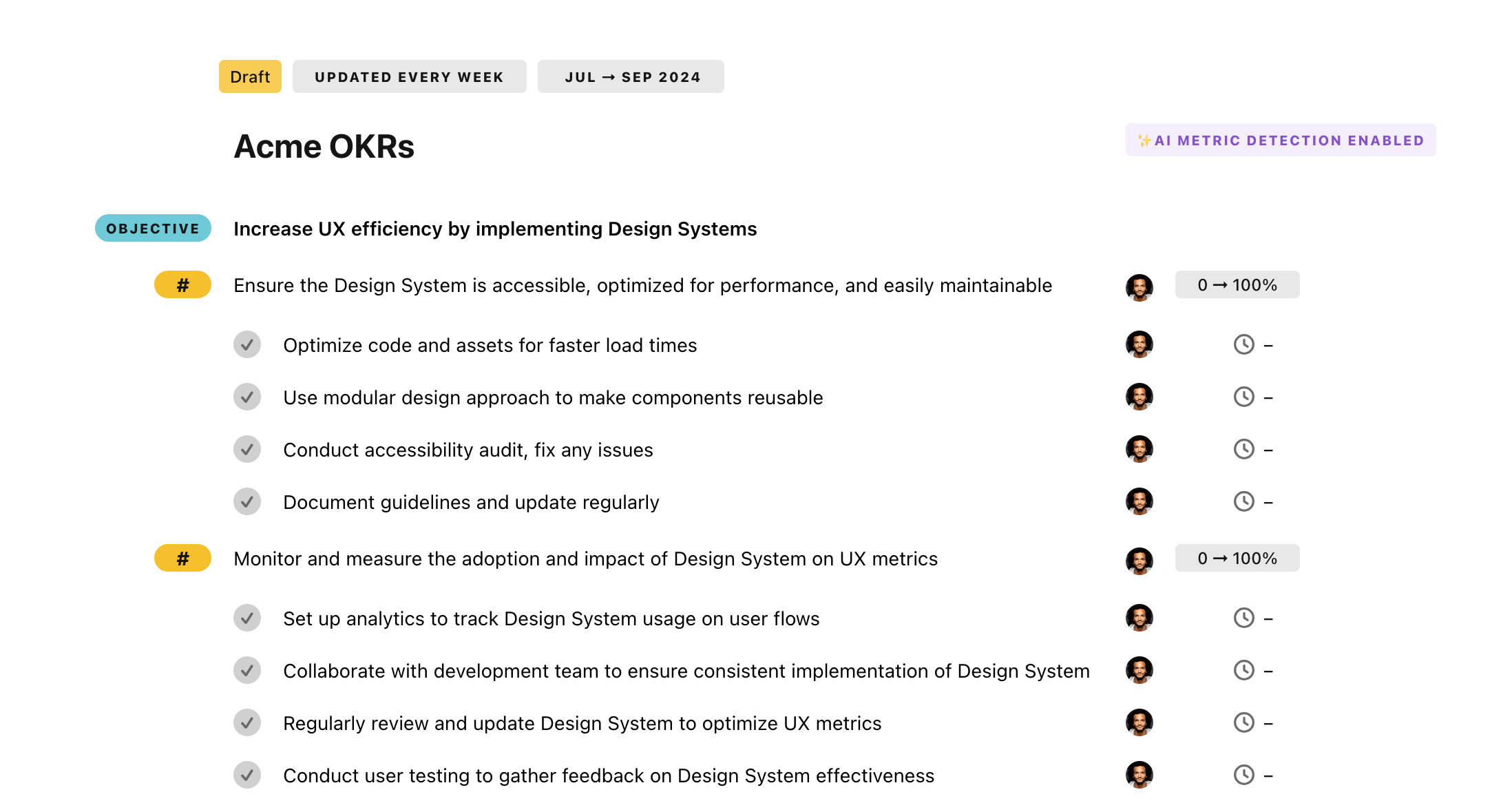
Once your example is in the plan editor, you will be able to:
- Edit the objectives, key results, and tasks
- Click on the target 0 → 100% to set better target
- Use the tips and the AI to refine your goals
Step 4. Publish your plan
Once you’re done editing, you can publish your plan to switch to the goal-tracking mode.
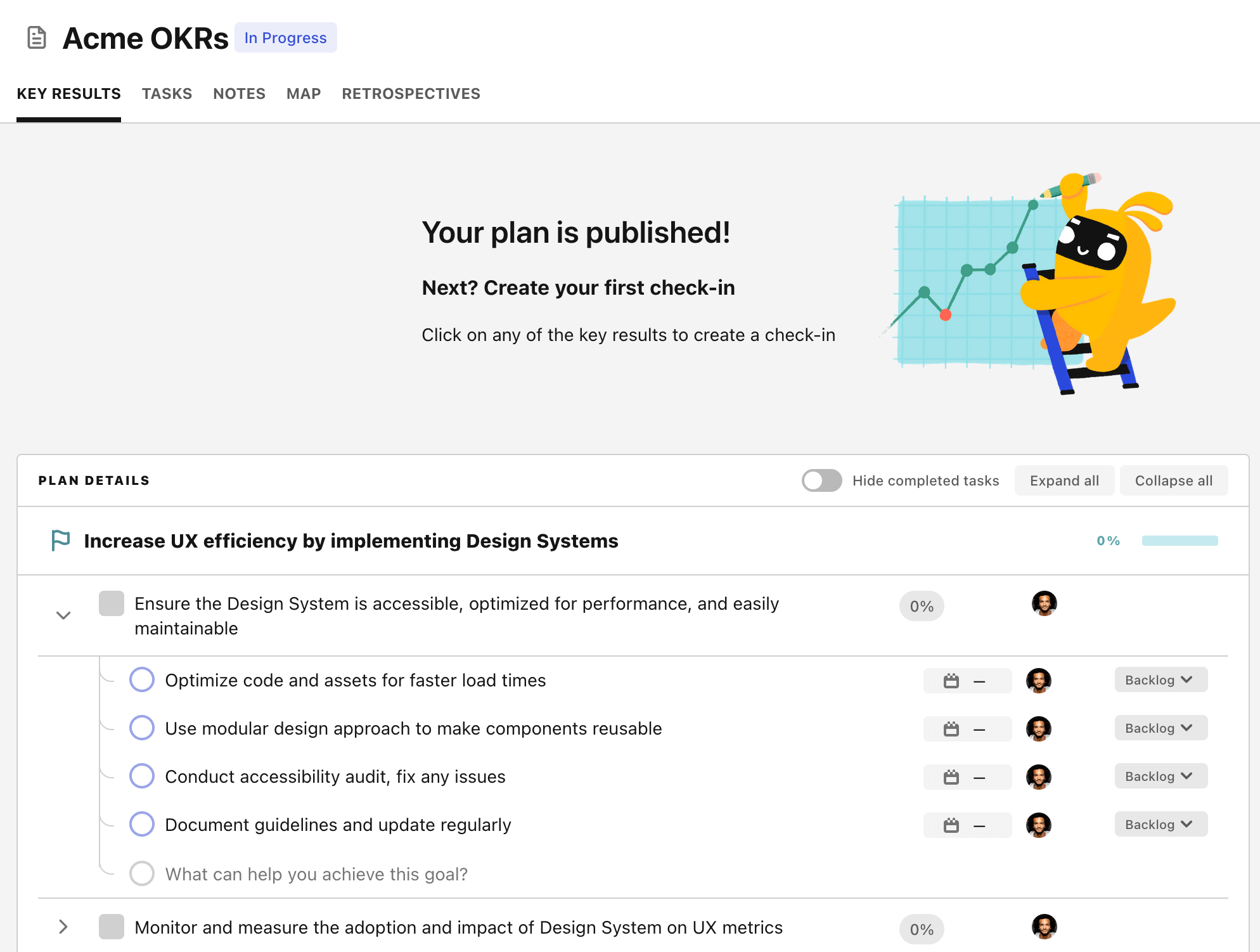
From there you will have access to all the features that will help you and your team save hours with OKR reporting.
- 10+ built-in dashboards to visualise progress on your goals
- Weekly reminders, data connectors, and smart notifications
- 9 views to map OKRs to strategic projects
- Strategy map to align teams at scale