OKR template to enhance gold trading Expert Advisor (EA) performance
Your OKR template
The second objective is to optimize the EA code to execute 20% faster. Steps to reach this efficiency are conducting speed testing, making necessary adjustments, implementing performance-enhancing algorithms, and refining existing EA code for improved efficiency.
Another crucial objective is to raise the EA trade success rate by 15%. To accomplish this objective, necessary technical trading tools will be implemented, ongoing training on market trends will be provided, and the EA's present trading strategies will be analyzed and improved.
In summary, this OKR is about elevating the performance of an automated gold trading system by reducing trade loss frequency, accelerating code execution, and increasing the trade success rate, using various specific strategies.
 ObjectiveEnhance gold trading Expert Advisor (EA) performance
 KRDecrease EA trade loss frequency by 10%
 Implement strict stop-loss policies
- Conduct frequent risk management evaluations
- Review and adjust EA trade algorithms regularly
- KROptimize EA code for 20% faster execution
- Conduct speed testing and make necessary adjustments
- Implement performance enhancing algorithms
- Review and refine existing EA code for efficiency
- KRIncrease EA trade success rate by 15%
- Implement necessary technical tools for trading
- Provide continuous training on market trends for EA
- Analyze and improve EA's current trading strategies
How to edit and track OKRs with Tability
You'll probably want to edit the examples in this post, and Tability is the perfect tool for it.
Tability is an AI-powered platform that helps teams set better goals, monitor execution, and get help to achieve their objectives faster.
With Tability you can:
- Use AI to draft a complete set of OKRs in seconds
- Connect your OKRs and team goals to your project
- Automate reporting with integrations and built-in dashboard
Instead of having to copy the content of the OKR examples in a doc or spreadsheet, you can use Tability’s magic importer to start using any of the examples in this page.
The import process can be done in seconds, allowing you to edit OKRs directly in a platform that knows how to manage and track goals.
Step 1. Sign up for a free Tability account
Go tohttps://tability.app/signup and create your account (it's free!)
Step 2. Create a plan
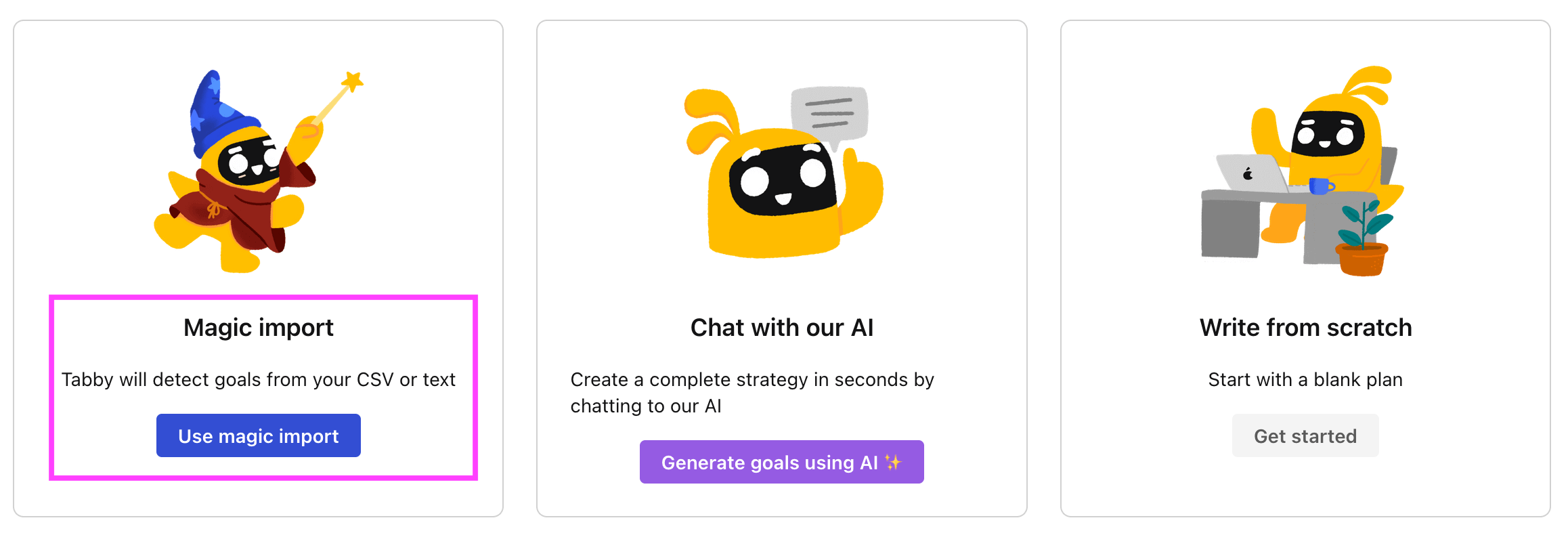
Follow the steps after your onboarding to create your first plan, you should get to a page that looks like the picture below.
Step 3. Use the magic importer
Click on Use magic import to open up the Magic Import modal.
Now, go back to the OKR examples, and click on Copy on the example that you’d like to use.

Paste the content in the text import section. Don’t worry about the formatting, Tability’s AI will be able to parse it!
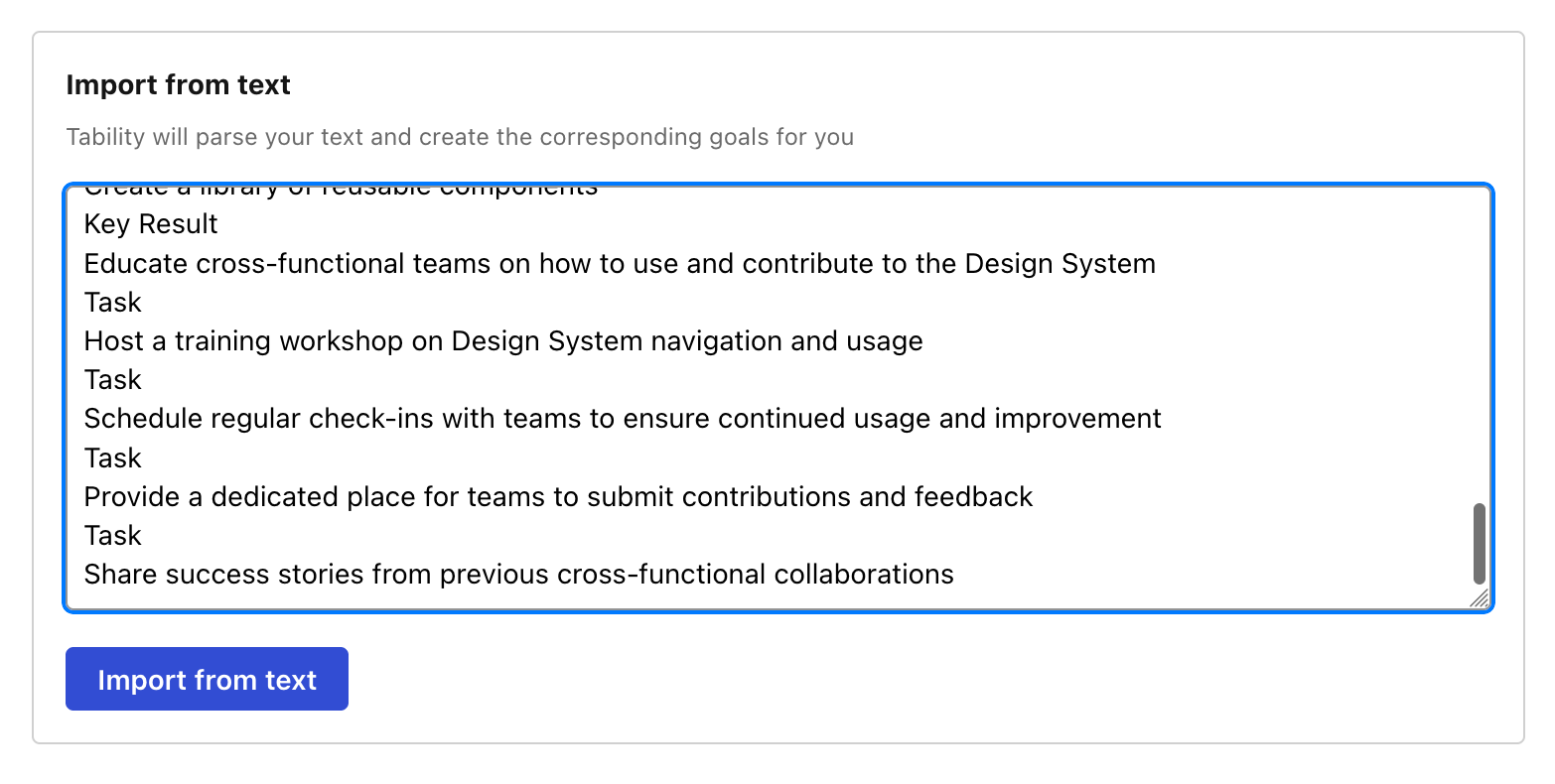
Now, just click on Import from text and let the magic happen.
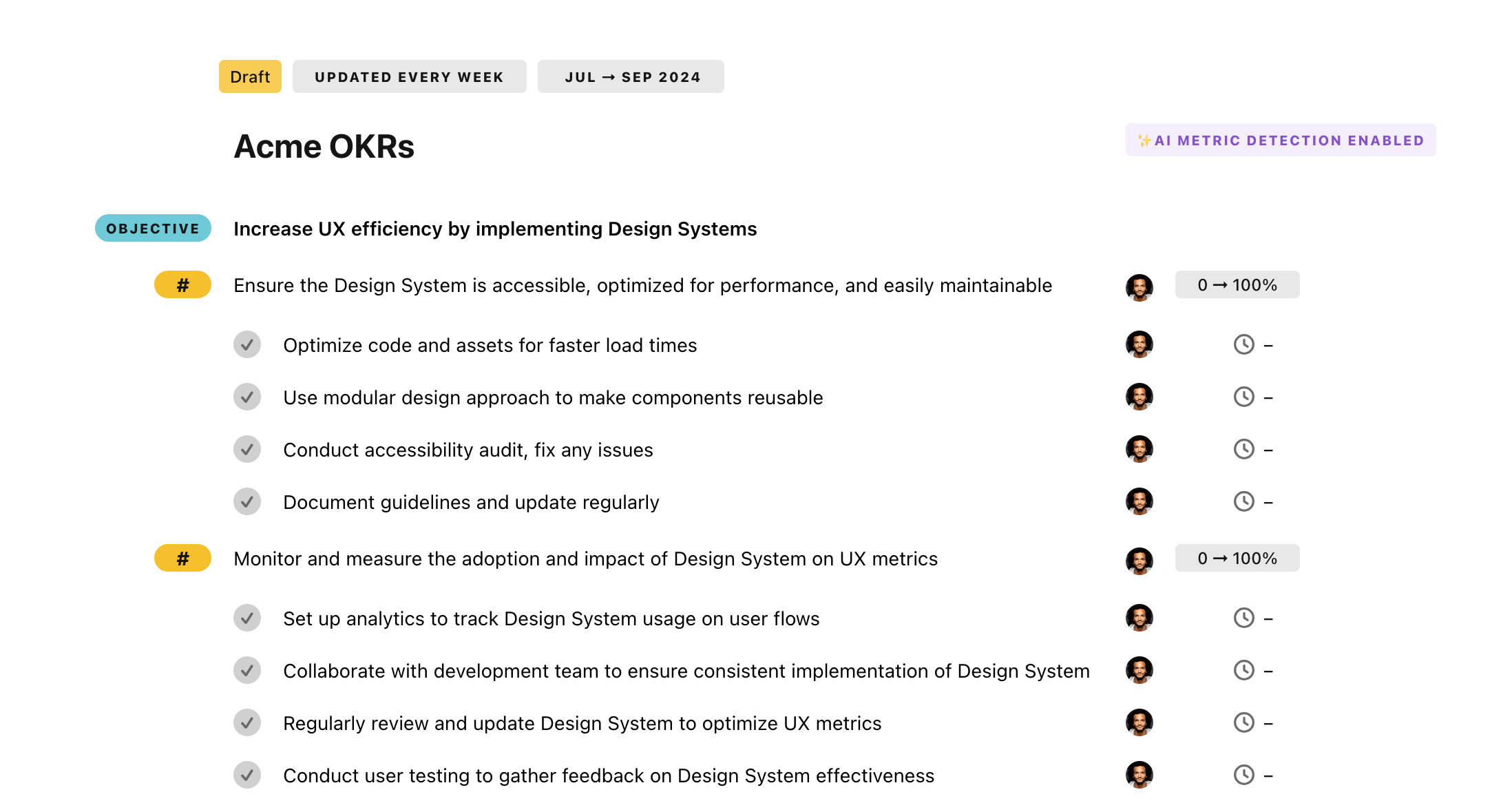
Once your example is in the plan editor, you will be able to:
- Edit the objectives, key results, and tasks
- Click on the target 0 → 100% to set better target
- Use the tips and the AI to refine your goals
Step 4. Publish your plan
Once you’re done editing, you can publish your plan to switch to the goal-tracking mode.
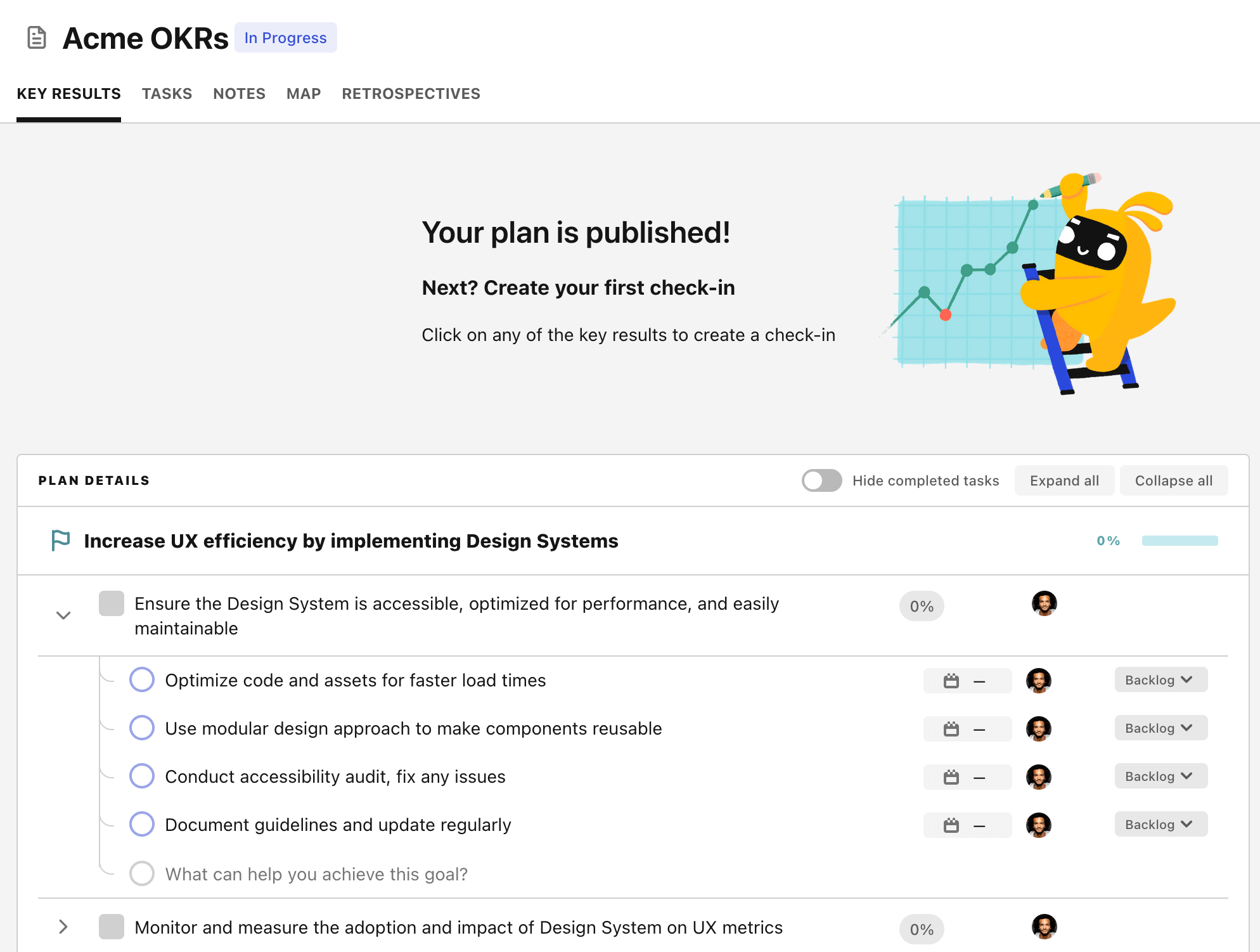
From there you will have access to all the features that will help you and your team save hours with OKR reporting.
- 10+ built-in dashboards to visualise progress on your goals
- Weekly reminders, data connectors, and smart notifications
- 9 views to map OKRs to strategic projects
- Strategy map to align teams at scale