The strategy titled "Organising Files and Tracking Systems" aims to streamline file management. It focuses on establishing a consistent file naming convention, educating team members about it, and creating a reference guide. Regular audits ensure compliance, while templates aid in maintaining the system. This method not only categorizes files by type and date but also indicates document status.
Utilizing a centralized digital platform integrates cloud storage and a master document organizes access. The use of folders, labels, and tags simplifies the file retrieval process. Automated backups and regular updates fortify file security and accessibility.
Creating a visual file hierarchy enhances understanding through tools like Lucidchart. Color coding and flowcharts aid in differentiating files by department. Regular training and feedback ensure the hierarchy's effectiveness, providing both digital and physical copies for reference.
The strategies
⛳️ Strategy 1: Establish a file naming convention
- Define a clear and consistent file naming convention for all files and folders
- Educate team members on the importance of following the naming convention
- Create a reference guide or document detailing the naming convention
- Review existing files and rename them according to the new convention
- Schedule regular audits to ensure adherence to the naming convention
- Develop a system for categorising files by type, date, and importance
- Implement version control measures to track changes and updates
- Use file names to indicate document status (draft, final, etc.)
- Create templates for common documents with pre-set naming conventions
- Monitor feedback and adjust the naming convention as needed
⛳️ Strategy 2: Utilise a centralised digital platform
- Select a digital platform or software that supports centralised file tracking and management
- Integrate cloud storage services like Google Drive or Dropbox with the chosen platform
- Organise files in the platform using folders, labels, and tags
- Ensure all team members have access to the platform and understand how to use it
- Create a master document listing files and their locations within the platform
- Establish permissions and access levels for different files and folders
- Set up search functionality with specific keywords for quick retrieval
- Automate regular backups of files to prevent data loss
- Create links to each file or folder and compile them in a central dashboard
- Review and update the platform structure and links regularly
⛳️ Strategy 3: Create a visual file hierarchy
- Design a visual map or flowchart depicting the hierarchy of all files and folders
- Use software like Lucidchart or Visio to create and maintain the visual structure
- Link each visual element to its corresponding digital folder or file
- Incorporate colour coding to differentiate between file types or departments
- Update the visual hierarchy as files are added, removed, or renamed
- Share the visual hierarchy with team members as a reference tool
- Regularly train staff on how to access and understand the visual map
- Print a physical copy of the hierarchy map for the office bulletin board
- Provide a digital copy of the map alongside its live, up-to-date version
- Gather team feedback on the map’s effectiveness and make improvements as needed
Bringing accountability to your strategy
It's one thing to have a plan, it's another to stick to it. We hope that the examples above will help you get started with your own strategy, but we also know that it's easy to get lost in the day-to-day effort.
That's why we built Tability: to help you track your progress, keep your team aligned, and make sure you're always moving in the right direction.
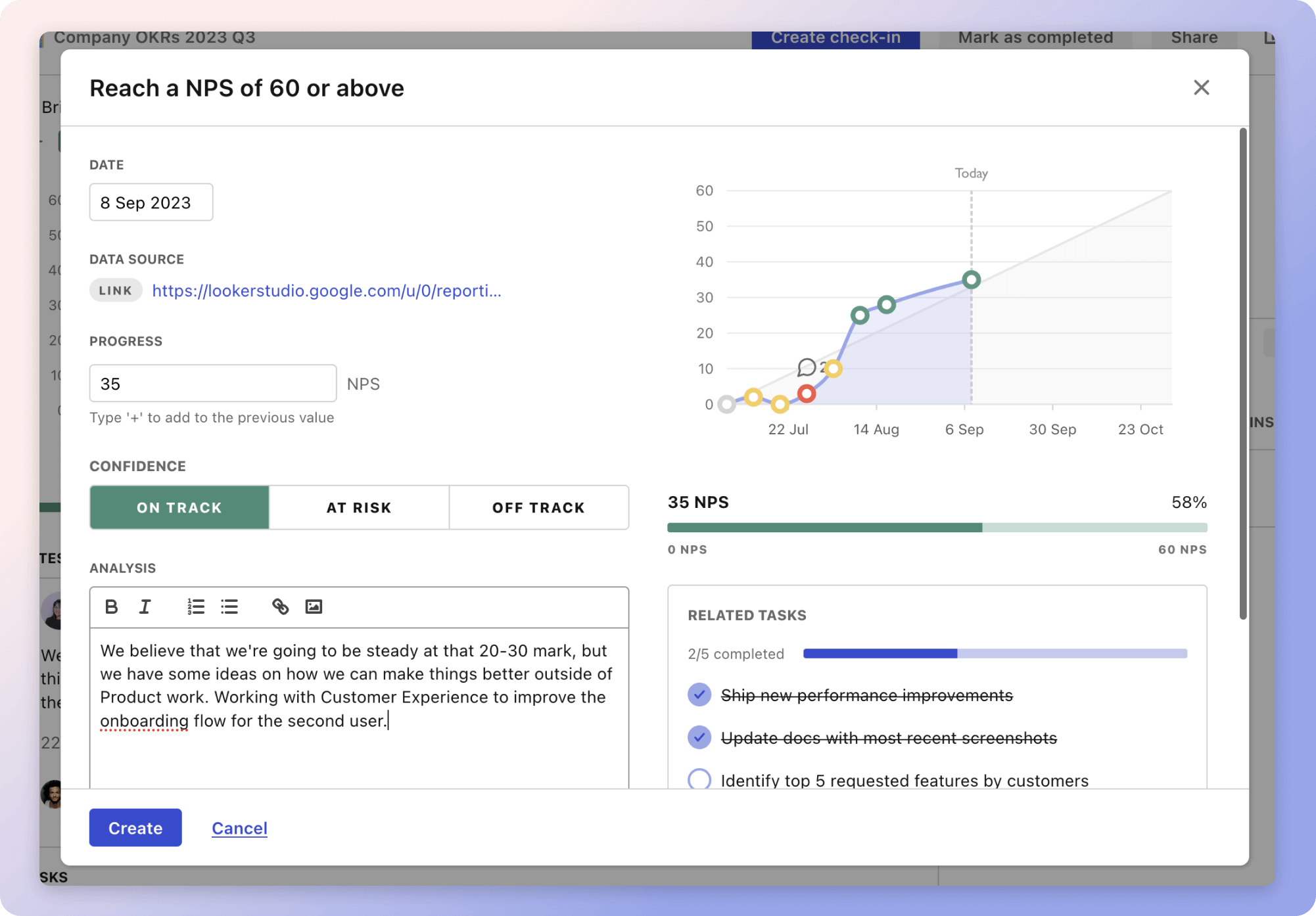
Give it a try and see how it can help you bring accountability to your strategy.