Creating a compelling video about sharing and caring for family using CapCut involves a structured approach. Initially, plan your video by brainstorming content ideas, writing a script with family-oriented themes, and creating a storyboard. This helps in visualizing the scenes and choosing filming locations. For example, you might focus on a family lunch scene to highlight togetherness, requiring props like dining sets.
Next, gather material through video filming. Capture genuine interactions and voiceovers, including interviews with family members sharing experiences. Consider shooting b-roll footage of family activities to add depth. Selecting music that resonates with the theme is crucial to enhance emotional impact.
Finally, use CapCut effectively for editing. Import your footage and edit to ensure smooth transitions and balanced audio. For example, adding text overlays may emphasize key dialogues, while color adjustments create a unified video look. Preview for errors, then export your video, ensuring it’s both engaging and cohesive.
The strategies
⛳️ Strategy 1: Plan your video structure
- Start with a brainstorming session for video content
- Write a script including an intro, opening, content, and conclusion
- Ensure to incorporate family sharing and caring themes into your script
- Create a storyboard to visualise scenes
- Plan the duration for each segment of the video
- Decide on the locations for filming any live-action elements
- Gather any props or tools needed for the video
- Determine the roles of each family member in the video
- Research CapCut features you might use
- Schedule time slots for shooting and editing
⛳️ Strategy 2: Execute video filming and gathering material
- Film an engaging introduction with a warm welcome
- Capture authentic interactions that reflect your theme
- Record any narration or voiceovers for clarity
- Take interview clips of family members sharing experiences
- Capture b-roll footage of family activities or settings
- Select suitable music that complements the theme
- Gather images that can be inserted to support video concepts
- Review and select the best takes for each scene
- Accumulate video footage to ensure narrative consistency
- Ensure all footage is downloaded and backed up
⛳️ Strategy 3: Use CapCut effectively for editing
- Open CapCut and create a new project
- Import all recorded videos and images into the project
- Edit the introduction with attention-grabbing visuals
- Integrate smooth transitions between scenes
- Balance audio levels between voiceovers, dialogue, and music
- Trim unnecessary parts to maintain a concise flow
- Add text overlays for dialogue translation or emphasis
- Adjust colours and lighting for a cohesive look
- Preview your video to check for any errors
- Export and save your final video project
Bringing accountability to your strategy
It's one thing to have a plan, it's another to stick to it. We hope that the examples above will help you get started with your own strategy, but we also know that it's easy to get lost in the day-to-day effort.
That's why we built Tability: to help you track your progress, keep your team aligned, and make sure you're always moving in the right direction.
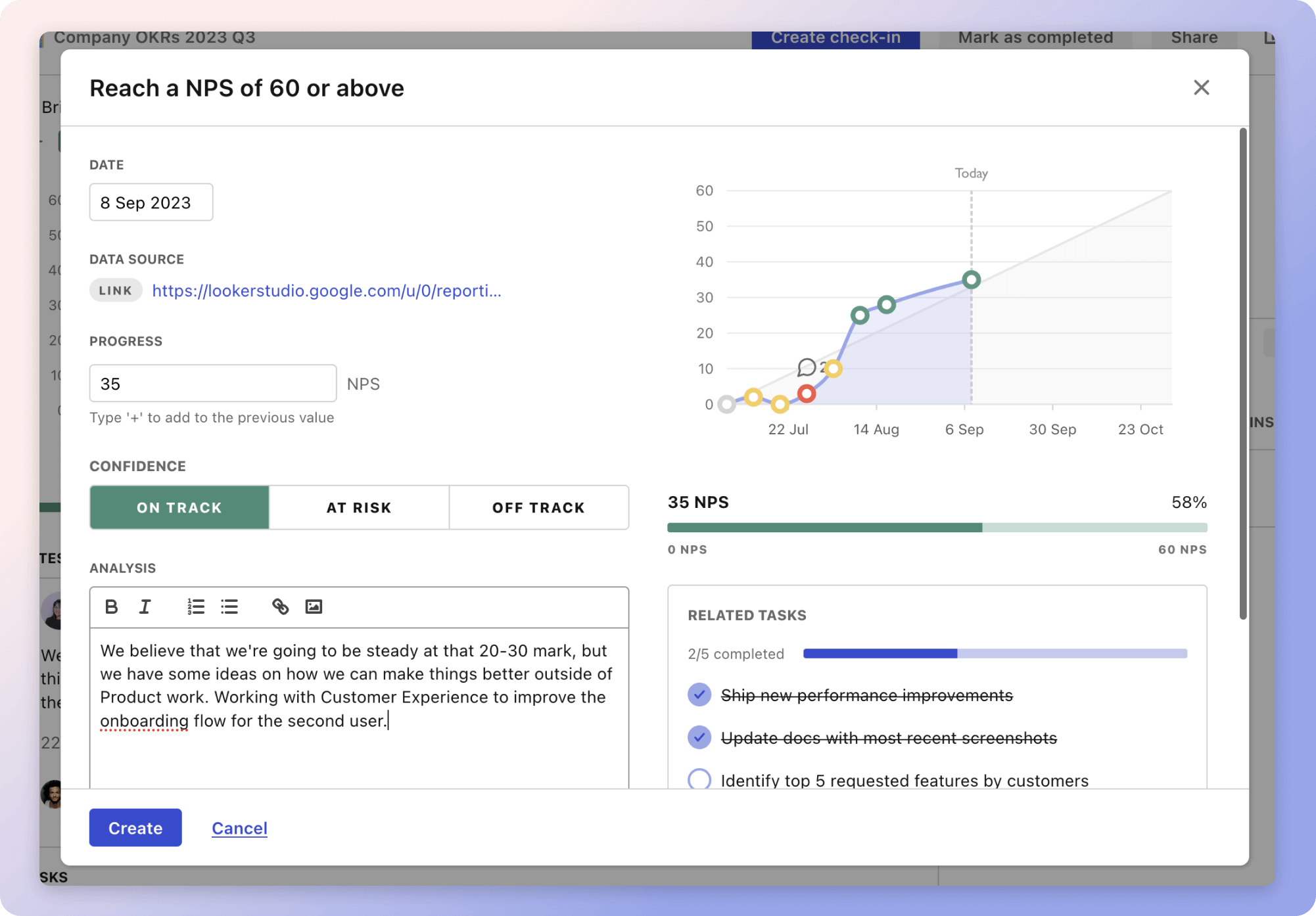
Give it a try and see how it can help you bring accountability to your strategy.