Developing a scalping strategy on TradingView involves identifying precise entry and exit conditions. For instance, using moving averages like a 5 EMA crossing above a 13 EMA signals a buy, while the opposite indicates a sell. Indicators like RSI and MACD help filter these signals for accuracy. For example, a buy is considered if RSI is above 30, complemented by MACD confirmation.
Utilizing multi-timeframe analysis enhances decision-making by aligning short-term signals with a larger trend. For example, while executing trades on a 5-minute chart, ensuring alignment with a 15-minute trend can confirm the trade's validity and reduce risk.
Risk management is crucial, emphasizing maintaining a healthy risk-reward ratio and managing position sizes to minimize account exposure per trade. Implementing a trailing stop can lock in profits, while ongoing backtesting and strategy adjustments ensure outcomes remain aligned with the strategic goals.
The strategies
⛳️ Strategy 1: Define Entry and Exit Conditions
- Identify key indicators such as moving averages, RSI, and MACD for entry signals
- Set buy conditions where moving average (e.g., 5 EMA) crosses above another (e.g., 13 EMA)
- Define a sell condition where the 5 EMA crosses below the 13 EMA
- Use RSI to filter entries; consider buys only if RSI is above 30 and sells if below 70
- Incorporate MACD crossovers to confirm buy or sell signals
- Set stop-loss at recent swing low for buys or swing high for sells
- Set profit targets at three times the stop-loss distance
- Test the strategy's historical performance using TradingView's backtesting tool to ensure the accuracy range
- Set alerts in TradingView to notify when buy or sell signals are triggered
- Regularly review and adjust conditions based on market trends and historical performance
⛳️ Strategy 2: Utilise Multi-Timeframe Analysis
- Identify a primary timeframe for execution, such as 5 minutes for scalping
- Use one higher timeframe, such as 15 minutes, to confirm the primary trend direction
- Ensure signals on the 5-minute chart are aligned with trends on the 15-minute chart
- Set alerts when signals on both timeframes align
- Track the larger timeframe trend with a long EMA like the 50 EMA
- Enter trades only when the larger timeframe supports the trade direction
- Adjust stop-loss and target parameters according to combined timeframe volatility
- Use TradingView's split-screen feature for simultaneous multiple timeframe analysis
- Backtest the combined timeframe strategy on historical data
- Regularly update the analysis to adapt to new market conditions
⛳️ Strategy 3: Implement Risk Management Techniques
- Set position size to risk only a small percentage of the trading account per trade
- Ensure risk-reward ratio is incorporated by setting the take profit levels thrice the distance of stop-loss
- Implement a trailing stop strategy to lock in profits as a trade moves in your favor
- Regularly review risk management rules to confirm they are being met in every trade
- Consider spreading risk across several instruments rather than focusing on one
- Use a trading journal to document every trade to improve strategy over time
- Plan a maximum of trades per day to prevent overtrading and emotional decision making
- Periodically review trading outcomes and adjust risk management if outcomes deviate from goals
- Backtest risk management rules in TradingView to ensure robustness
- Include news alerts to avoid trading during high volatility times
Bringing accountability to your strategy
It's one thing to have a plan, it's another to stick to it. We hope that the examples above will help you get started with your own strategy, but we also know that it's easy to get lost in the day-to-day effort.
That's why we built Tability: to help you track your progress, keep your team aligned, and make sure you're always moving in the right direction.
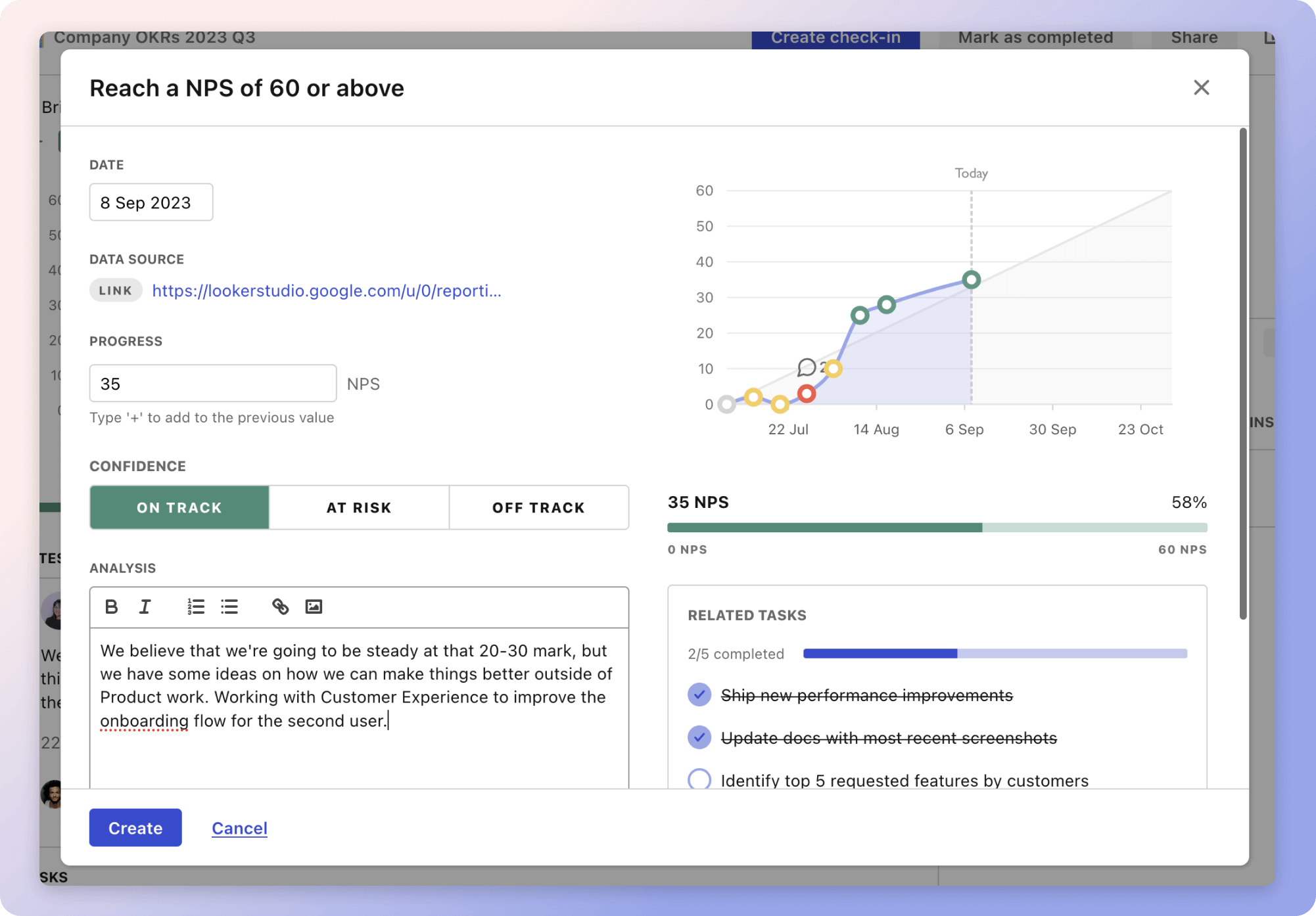
Give it a try and see how it can help you bring accountability to your strategy.