The strategy focuses on creating extensive, user-friendly documentation for a system. It kicks off with developing introductory documentation that outlines the system's purpose, functionality, and key concepts using real-world examples. To enhance understanding, it incorporates visual aids like images and flowcharts while offering practical usage scenarios. This comprehensive documentation aims to ensure users of various technical backgrounds can easily access information through glossaries, troubleshooting tips, and links to FAQs and support resources.
Next, the focus shifts to a setup guide, detailing a systematic installation process complemented by screenshots and checklists. This guide not only emphasizes system prerequisites and dependencies but also provides a quick-start guide for immediate use. Troubleshooting sections ensure smooth setup experiences, while clear writing ensures activity-oriented instructions.
Finally, the strategy extends to feature and role-based documentation, detailing system features in modular sections. Each feature is explained with user interaction examples and carefully aligned with different user roles and privileges. The use of tutorial videos and contextual examples helps users understand complex features, ensuring easy navigation and user engagement. Regular updates in the documentation keep it aligned with system changes over time.
The strategies
⛳️ Strategy 1: Develop the introductory system documentation
- Describe the purpose and functionality of the system
- Include practical examples of system usage
- Explain key concepts with real-world scenarios
- Collect and incorporate feedback from initial users
- Integrate images and flowcharts for clarity
- Highlight primary benefits and unique features
- Set up a glossary of terms used in the system
- Offer troubleshooting tips for common issues
- Incorporate links to FAQs and support resources
- Ensure content is accessible to users of varying technical proficiency
⛳️ Strategy 2: Create the system setup guide
- Outline prerequisites for system setup
- Provide a step-by-step installation process
- Include screenshots for each setup step
- Highlight any system requirements or dependencies
- Add a section on troubleshooting installation issues
- Provide a checklist of setup steps to verify completion
- Offer a quick-start guide for immediate use
- Document settings and configurations with explanations
- Include a summary for quick reference
- Ensure all content is clearly written and activity-oriented
⛳️ Strategy 3: Develop detailed feature and role-based documentation
- Break down system features into distinct modular sections
- Describe user interaction with each feature in a playful and engaging manner
- Utilise a click-based approach to explain navigation paths
- Align documentation with different user roles and permissions
- Ensure easy navigation across various functional sections
- Present information in a non-overwhelming format
- Include scalability options and configurations
- Provide contextual examples illustrating role-specific workflows
- Integrate tutorial videos for complex features
- Regularly update content to reflect system changes and feedback
Bringing accountability to your strategy
It's one thing to have a plan, it's another to stick to it. We hope that the examples above will help you get started with your own strategy, but we also know that it's easy to get lost in the day-to-day effort.
That's why we built Tability: to help you track your progress, keep your team aligned, and make sure you're always moving in the right direction.
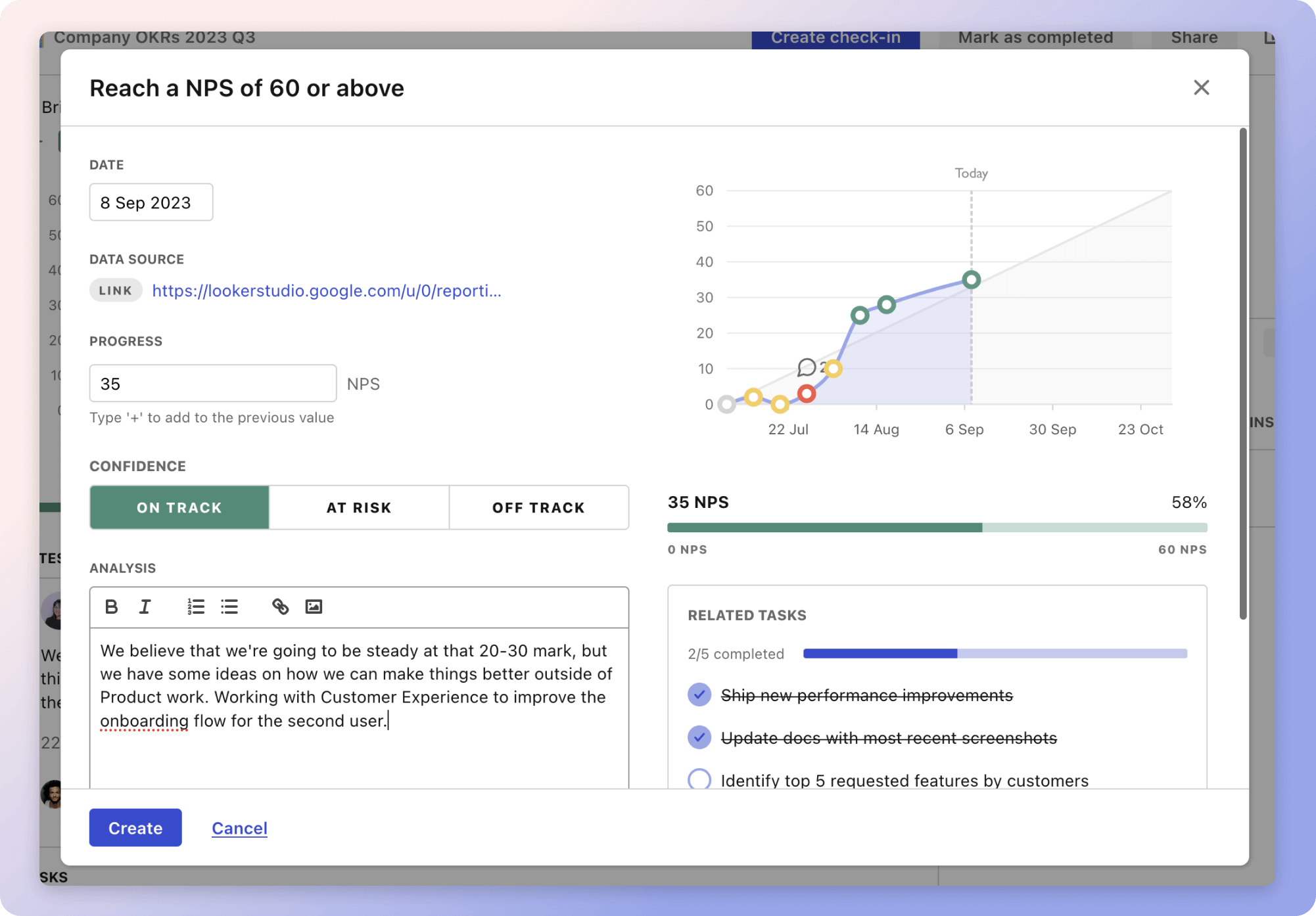
Give it a try and see how it can help you bring accountability to your strategy.